

MESUR®gauge Plus
Load & Travel Analysis Software
NEW – high speed 500 Hz data acquisition rate
for Series 5 and 7 instruments
MESUR®gauge Plus expands the functionality of force and torque measuring instruments and test stands. MESUR®gauge Plus has the ability to capture and display data in graphical format for load vs. time or load vs. travel vs. time and adds the ability to control the motion of certain Mark-10 motorized test stands, coordinating motion control and data acquisition.
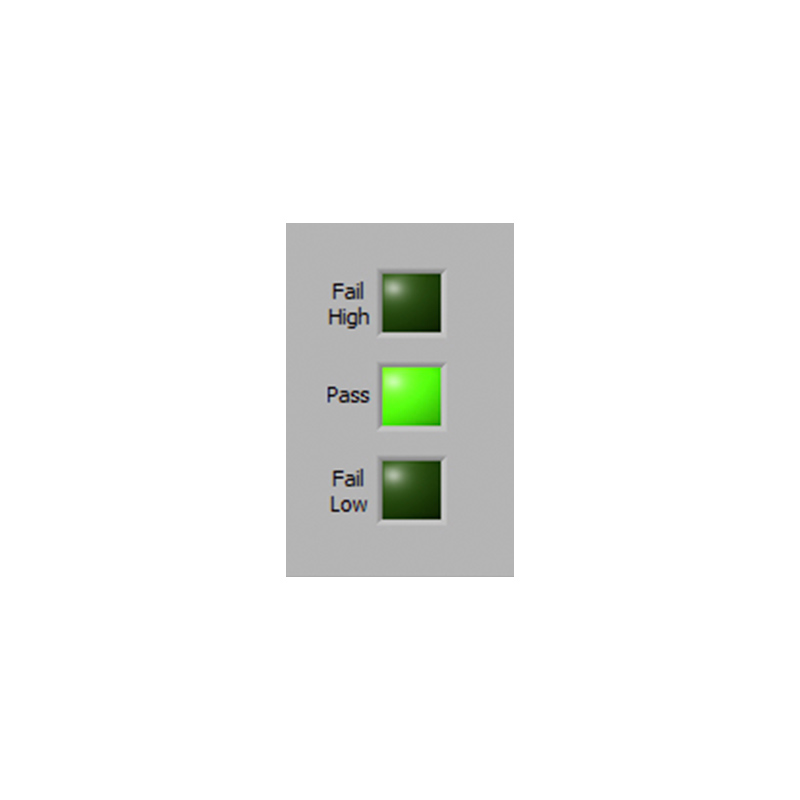
The program includes a set of tools to analyze test results, including statistical calculations, quick data export to Microsoft Excel, customizable reports, pass/fail indicators, and many others. Test setups are customizable and can be saved and recalled. The user can program test start and stop conditions, including load, time, distance, and sample break. Additional features include a large display screen for real time load and travel data and a utility to configure certain Mark-10 gauges from a PC.
Built-in simulated data generation allows MESUR®gauge Plus to be evaluated without an instrument.
The software may be downloaded from the link below. The software is free for 90 days from date of installation, and may be activated at any time in the field.
Features
- Acquire continuous or single-point data from force and torque measuring instruments and test stands at up to 500 Hz (see Specifications for details).
- MESUR®gauge Plus starts and stops models ESM303, ESM303H, ESM750, ESM750S, ESM1500, and ESM1500S motorized test stands, coordinating motion control and data collection with just one click.
- Real time tabular and graphical data acquisition of load vs. time or load vs. travel vs. time.
- Configurable start and stop test triggers (time, load, number of samples, or distance).
- Statistical calculations of acquired data. Automatically recalculates for custom data ranges.
- One-click export to Excel.
- Customize test setups for future recall.
- Customize reports and report templates.
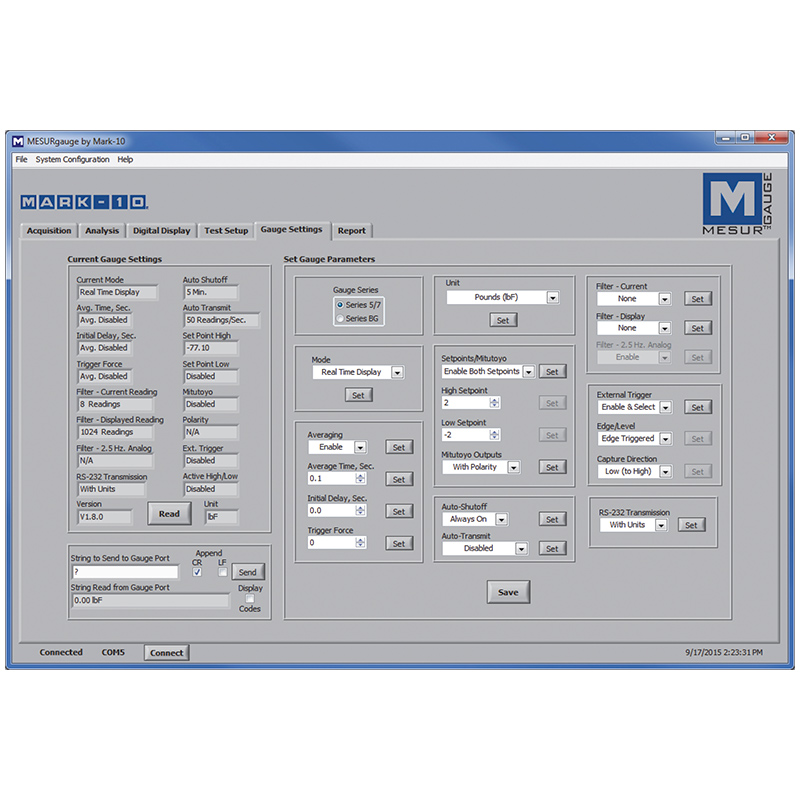
- Configure certain Mark-10 gauges and indicators through a simple interface.
- View real time data on a large simulated instrument display.
Specifications
| Data Acquisition Rate | |
|---|---|
| Series 5 and 7 force gauges, Models M5I and M7I indicators: | Up to 500 Hz* |
| Most other instruments, testers, and motorized test stands: | Up to 50 Hz |
| Force gauge + manual test stand + Mitutoyo travel display: | 2 Hz |
* After approximately 5 seconds of data collection at 500 Hz, the acquisition rate will gradually decrease. For longer duration tests, consider using a lower rate.
Requirements
-
Minimum required test stand controller firmware versions:
ESM303 / ESM303H: Front: 2.02.04, Main: 2.02.04
ESM1500 / ESM750: Front: 2.02.02, Main: 2.02.02
Firmware versions are displayed at power-up.
Firmware update may be done at our factory at no charge.
Contact Mark-10 for details. - Various cables are available to connect Mark-10 gauges and test stands to a PC. Click here for more information.